Symphony Orchestra Simulator October 2026 Launch Notes
What shipped on 21 October 2026—the concert hall's opening night baseline.
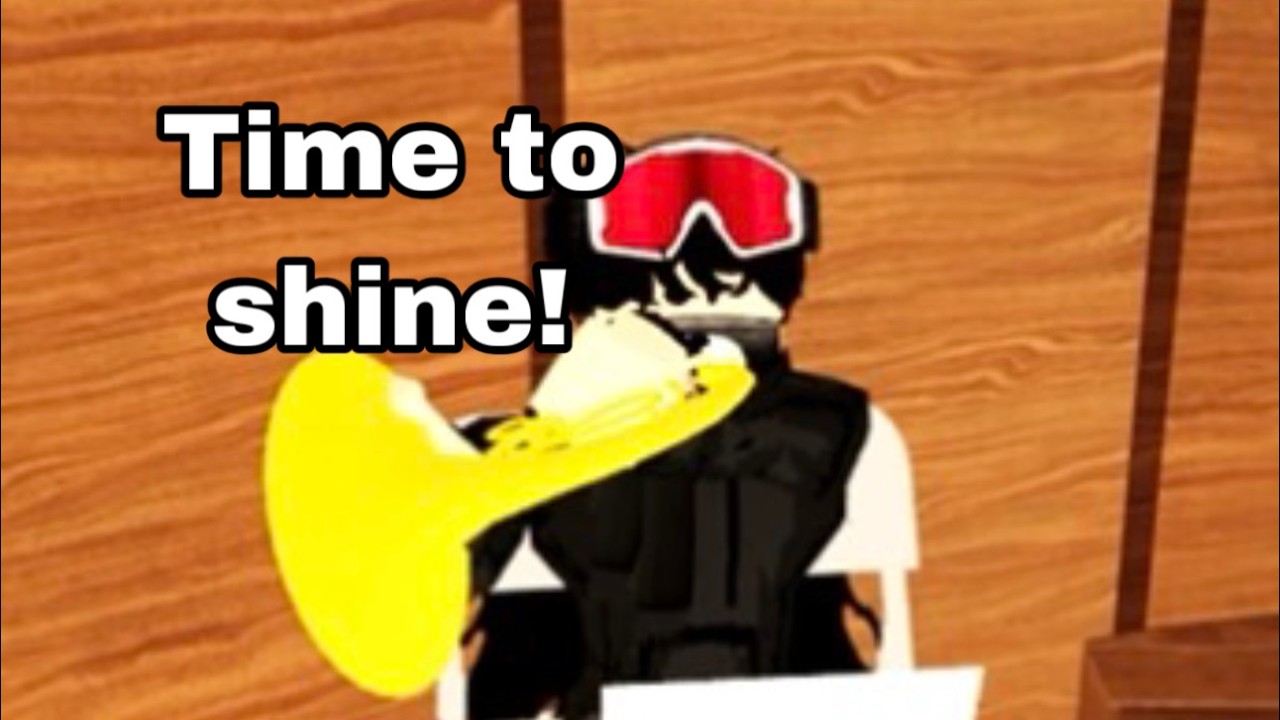
Symphony Orchestra Simulator opened on 21 October 2026 as a Roblox Music & Rhythm experience by merpug01. These launch notes capture the opening-night fantasy in one place so guides across the wiki share the same baseline: a multiplayer concert hall where you claim an instrument, keep that seat song after song, vote on classical repertoire, take solo spotlights, request concertos, cheer from the audience, and spend coins on flashy entrances.
Play the live experience: Symphony Orchestra Simulator on Roblox. For the rolling index of later patches, return to the Updates Hub.
Launch headline features
- Genre / pitch: Music & Rhythm concert simulator with strong social presentation.
- Creator: merpug01.
- Release date: 2026-10-21.
- Capacity: online multiplayer, max 35 players per server.
- Instruments: 16 seats/parts including violin, cello, trumpet, flute, harp, timpani, and additional orchestra roles.
- Persistence fantasy: keep your seat song after song while you remain seated.
- Solo spotlight: crowd responds with cheers/roses or boos/tomatoes.
- Concerto request: five solos at center stage.
- Song voting: including Ode to Joy, Can-Can, Canon in D, Swan Lake, In the Hall of the Mountain King, Flight of the Bumblebee, and more.
- Audience mode: seats, cheering, rose throws.
- Coins: unlock solo entrances such as confetti, fireworks, and lightning.
- Codes: no promo codes verified at launch documentation time.
Instruments and seating at launch
Opening night sells a full sectional fantasy rather than a single hero instrument. Expect strings, winds, brass, harp color, and timpani punctuation among the sixteen. Practical claiming advice lives in Controls and Getting Started; preference talk lives on the Tier List and Seat Planner.
Launch expectation: seats are contested on busy 35-player servers, so backups matter. The keep-seat loop rewards commitment—leave only when you intend to rotate roles or watch from the audience.
Solos and concertos at launch
The dramatic loop is twofold:
- Random or systemic spotlights that focus the hall on one performer while reactions fly.
- Concerto requests that stage five center-stage solos as a mini recital.
Crowd tools are dual-tone by design: affirmation (cheers, roses) and heckle comedy (boos, tomatoes). Launch guidance for presence, etiquette, and entrances is expanded in How to Solo. Players filming opening-week clips should still clear space for others—launch hype is not a grief license (Players).
Voting repertoire called out at launch
Song voting is a pillar, not a side menu. Highlighted titles in the early pool include:
- Ode to Joy
- Can-Can
- Canon in D
- Swan Lake
- In the Hall of the Mountain King
- Flight of the Bumblebee
Plus additional pieces beyond that billboard set. Strategy for mood, comedy nights, and teaching sessions sits in Songs and Voting. If a later patch expands the panel, a new updates page should list deltas instead of silently rewriting history.
Audience toolkit
Launch positions audience seats as a real participation mode: sit, cheer, throw roses, and be part of the spectacle. This matters for friends supporting concertos and for players waiting on instrument availability. Audience actions and UI caveats are covered under Controls.
Economy: coins and entrances
Coins gate theatrical solo entrances—confetti, fireworks, lightning—rather than a hard gear treadmill. Opening-week advice: unlock one entrance you like, use it in a spotlight, then expand. Farming habits and anti-scam notes are in Earn Coins. Launch documentation intentionally does not list fake redeem codes; see Codes.
Social layer and Discord callout
The experience encourages players to JOIN THE NEW DISCORD. Launch wiki policy: do not invent invite URLs. Use in-game prompts and the Roblox game page social surfaces, then coordinate friend finding per Players. Creator identity for credits and link-outs: merpug01 via Official Links.
What opening-night players should do first
- Join from the official Roblox link above.
- Follow Getting Started for a 15-minute onboarding path (includes beginner video reference).
- Confirm device prompts in Controls.
- Cast a vote using the launch song list mindset.
- Attempt or observe one spotlight; read How to Solo (includes how-to-solo video reference).
- Check coin balance toward an entrance.
- Bookmark this note and the Updates Hub for patches.
Known launch caveats for wiki readers
- UI labels can iterate quickly after launch; trust live prompts.
- Exact coin prices may change; guides prioritize priorities over frozen numbers.
- Unofficial “leak” songs or instruments should not overwrite this baseline until observed in-game.
- Third-party script claims are outside launch features—see Scripts safety framing if relevant.
Cross-links painted from launch day
- Updates Hub — parent index.
- Guides Hub — all how-tos assuming this baseline.
- Codes — promo tracker (empty/unverified at launch docs).
- Tier List — instrument rankings conversations.
- Tools — including seat planning.
- Official Links — Roblox + creator pointers.
Closing program note
21 October 2026 gave Roblox a theatrical orchestra sandbox with clear verbs: sit, vote, solo, cheer, spend. These launch notes exist so every later encore has something solid to compare against. When the next patch drops, add a sibling page, link it from the hub, and keep the music playing.
Frequently Asked Questions
Quick answers to the most common questions.
What is the exact launch date?
Symphony Orchestra Simulator released on 21 October 2026.
What shipped at launch?
Sixteen instruments, seat persistence across songs, solo spotlights, five-solo concertos, song voting, audience reactions, coin entrances, and 35-player servers.
Were there launch promo codes?
No promo codes were verified with the launch documentation. Monitor Codes for later drops.
Where do I go after reading launch notes?
Follow Getting Started, then skim solos, voting, and coins guides linked above.