Codes
Codes hub for Symphony Orchestra Simulator on Roblox with redemption steps and notes when promo gifts go live.
View all CodesRoblox codes, instrument tiers, solos, and concert guides.
Unofficial Symphony Orchestra Simulator Roblox wiki for codes, instrument tiers, solo tips, coin unlocks, and concert hall walkthroughs.
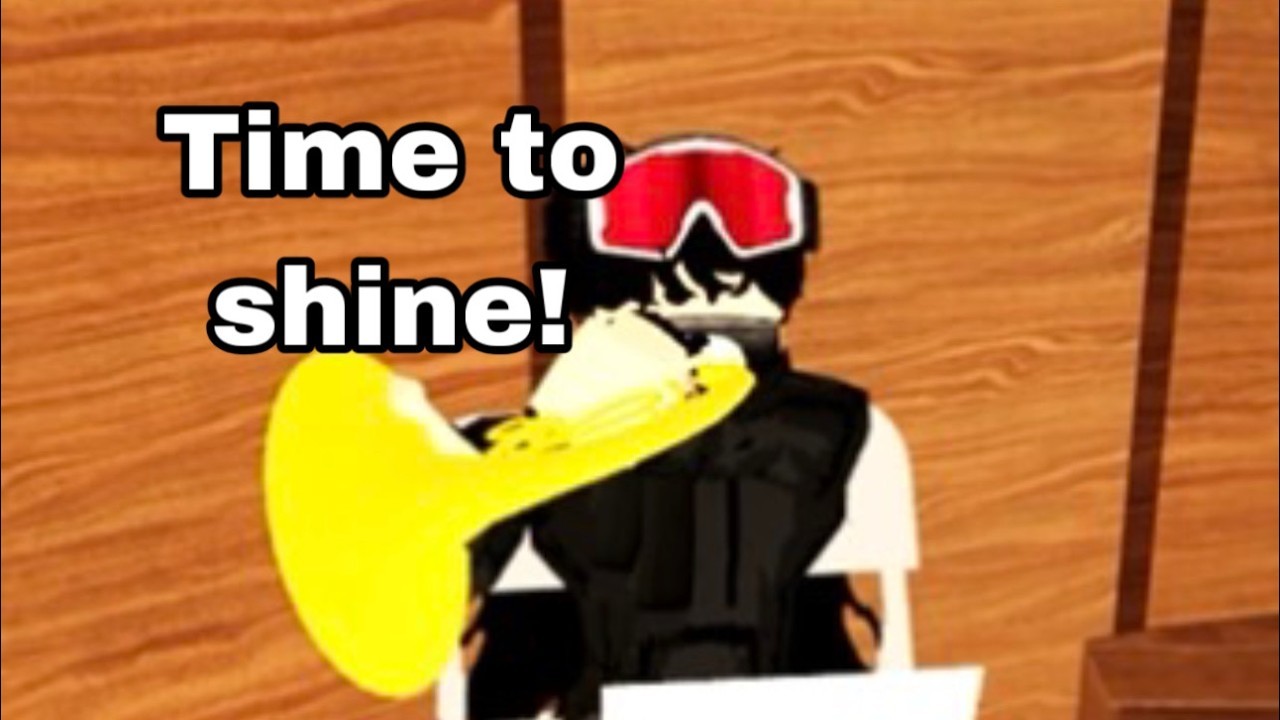
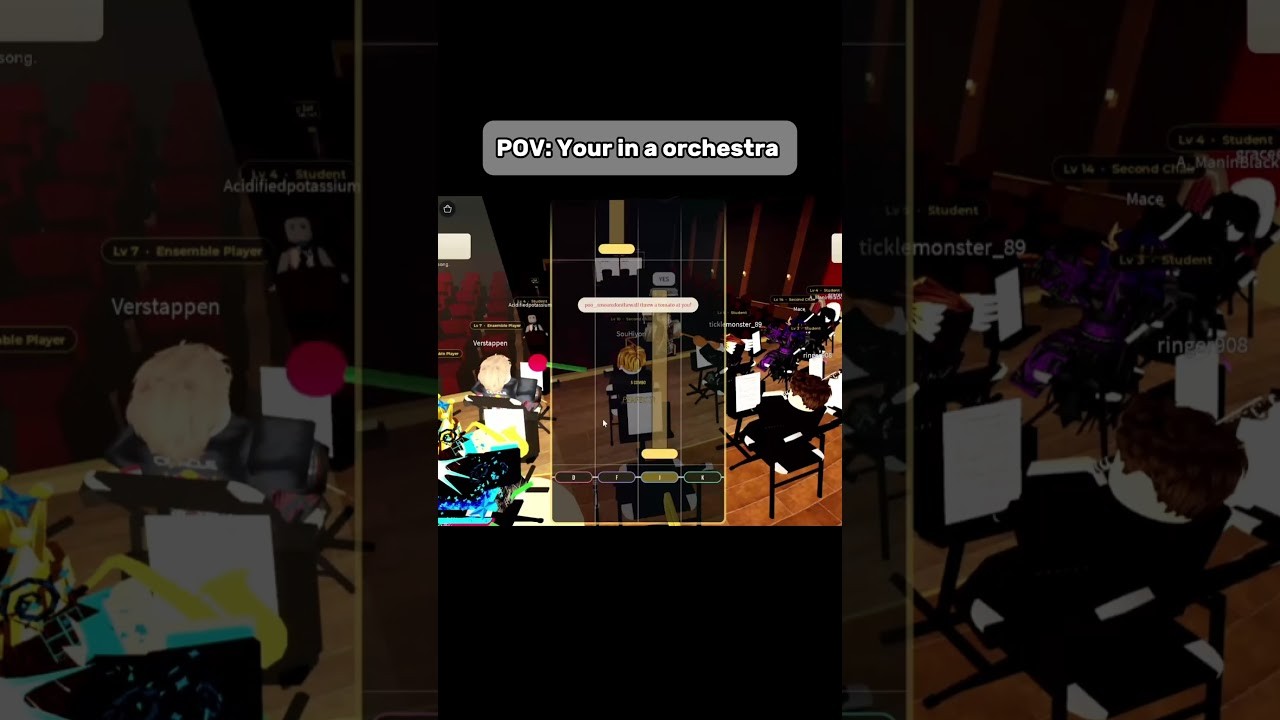
Symphony Orchestra Simulator is a Roblox Music & Rhythm experience by merpug01. Join a grand concert hall, claim one of 16 instruments, keep your seat song after song, and chase spotlight solos while the crowd votes with roses or tomatoes. Start with the beginner guide, check codes, compare instruments, learn how to solo, farm coins, and track updates.
Codes hub for Symphony Orchestra Simulator on Roblox with redemption steps and notes when promo gifts go live.
View all CodesGuides Hub for Symphony Orchestra Simulator on Roblox: beginner walkthroughs, solos, coins, controls, and voting.
View all GuidesInstrument Tier List Hub for Symphony Orchestra Simulator on Roblox ranking seats for solos, visibility, and fun.
View all Tier ListPlayers Hub for Symphony Orchestra Simulator on Roblox: etiquette, finding friends, audience manners, community tips.
View all PlayersUpdates Hub for Symphony Orchestra Simulator on Roblox: patches, October launch notes, and wiki refresh history.
View all UpdatesScripts Hub for Symphony Orchestra Simulator on Roblox with feature notes, usage tips, and account safety warnings.
View all ScriptsTools Hub for Symphony Orchestra Simulator on Roblox with seat planners and checklists for better concert nights.
View all ToolsOfficial links hub for Symphony Orchestra Simulator on Roblox: game page, creator merpug01, and wiki section hubs.
View all LinksOpen Symphony Orchestra Simulator on Roblox, claim an instrument seat, and settle in before the next piece starts.
Read the getting started guide, then practice spotlight solos and song voting so you know when the camera will find you.
Compare seats on the instrument tier list and use the seat planner if you want a calm first session or a flashy concerto run.
Follow the coin guide to unlock confetti, fireworks, and lightning entrances, then check codes whenever the developer drops a promo.
If you experiment with utilities, read the scripts hub and command menu notes first — third-party tools can risk your account.
Quick answers to the most common questions.
A Roblox Music & Rhythm experience by merpug01 where you join a multiplayer concert hall, play one of 16 instruments, take spotlight solos, vote on classical pieces, and unlock flashy solo entrances with coins.
Follow the Getting Started guide, skim Controls, then check Codes and the instrument tier list.
No verified active promo codes are listed as of the latest wiki check. See the Codes Hub and how to redeem so you are ready when new codes drop.
This wiki supports: English, Français, Deutsch, Español, Português (BR). Configure locales in site.meta.json and run npm run generate:i18n.
When the spotlight lands on you, the orchestra pauses and the crowd reacts with cheers or boos. You can also request a concerto at center stage and play five solos while the hall watches.
No. This is an unofficial fan resource. Confirm announcements on the Roblox game page and the developer's channels.
Claim a seat, learn the voting loop, and unlock flashy entrances. Start with the beginner guide or jump into codes, the instrument tier list, and solo tips.
Start with the beginner guide